Mint Your Own TLD on Freename
.svg)
.svg)
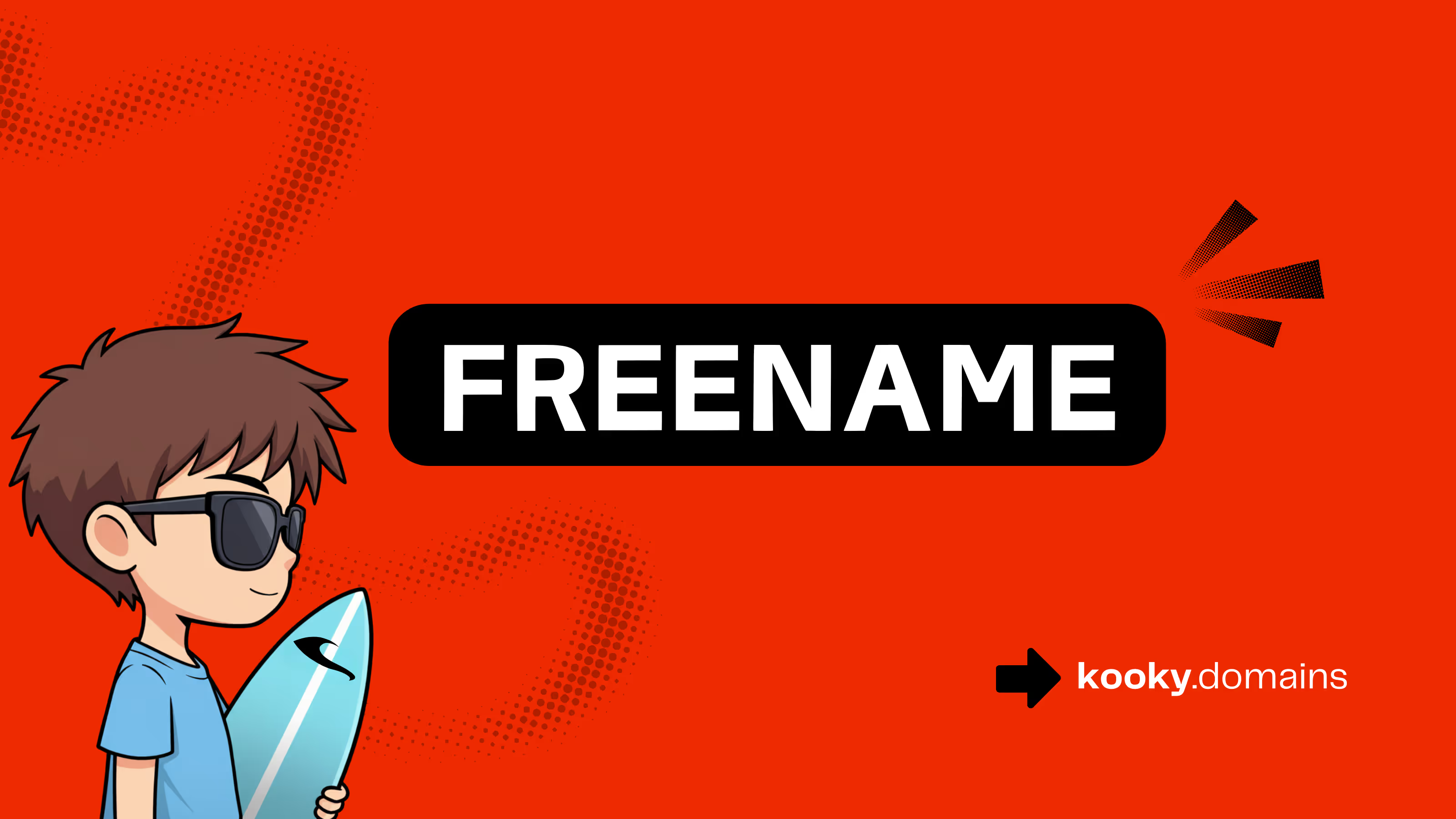
Freename domains are onchain domains minted as NFTs, which means you can hold them in your wallet like any other crypto asset, not rent them like a traditional name. Once minted, they’re yours to keep, transfer, or sell, with no renewal fees.
Here’s the part that trips people up at first, buying and minting are two different steps. Checkout reserves the name in your account, then minting is the onchain action that creates the NFT and proves ownership onchain, so what you bought actually becomes a transferable asset.
Kooky Domains are onchain domains owned by Kooky and powered by Freename, so the mint flow looks familiar if you’ve seen Freename’s dashboard. In this guide, you’ll follow the same step-by-step mint tutorial you’ll see after purchase, including choosing a chain, confirming your wallet, and checking that the NFT landed where it should.
Think of Freename’s flow like buying a concert ticket online, then scanning it at the door. Checkout is the reservation step, minting is the moment it becomes a real onchain asset you can prove you own.
On Kooky Domains (powered by Freename), you’ll usually see the same pattern: you buy the name first so it’s locked to your account, then you mint it to put the domain NFT into your wallet on the chain you choose. That “buy first, mint second” split is what keeps the shopping part fast and simple, and keeps the ownership part verifiable onchain.
Before you click “Mint,” get a few basics ready. It takes two minutes and saves a lot of stress.
Here’s what you’ll want in place:
A couple of quick safety habits matter here, because domains are valuable and transactions can’t be “undone”:
If your wallet is connected, the network is correct, and you have a bit of gas, you’re ready.
This is the most common point of confusion: you can buy a domain and see it in your account, but it still might not be minted into your wallet yet.
Here’s a plain way to think about it. After checkout, your domain is like a name tag that’s been printed and set aside with your order number on it. It’s reserved for you in your portfolio, so nobody else can grab it while you’re setting up. But it’s not yet the onchain “receipt” that lives on a blockchain.
Minting is what turns that reserved domain into an NFT in your wallet. Once you mint:
Until you mint, you’re basically holding a claim inside the platform, not the onchain asset itself. If you’re asking yourself, “Why don’t I see it in my wallet yet?” the answer is usually simple: you completed the purchase step, but you haven’t done the mint transaction (or it minted on a different network than the one your wallet is viewing).
If your goal is true onchain ownership, minting is the step that makes it real.
You already did the hard part by buying your name. Now you’re turning that reserved purchase into the actual onchain asset, the domain NFT that lives in your wallet. This part is quick, but it’s also the point where choices matter, especially the chain you mint on and the wallet address you mint to.
If you treat minting like stamping a title onto a deed, you’re thinking about it the right way. Once it’s stamped onchain, it’s real ownership you can prove, hold, and transfer.
Start by logging in to the same account you used at checkout on Kooky Domains (powered by Freename). After you’re in, go to your Domain List or Portfolio. This is your “holding area” where purchased names sit before they become NFTs.
Look down your list and find the domain you want to mint. You’re looking for a clear action button, usually something like Mint or Mint Domain next to that name. Click it to begin.
If you don’t see the mint button, don’t assume something broke. It’s almost always one of these simple issues:
A quick sanity check that helps: if the domain shows as purchased in your portfolio but still has no mint action, log out, log back in, then re-open the portfolio. It sounds basic, but it fixes a lot of “where did my mint button go?” moments.
After you click mint, you’ll hit a chain picker screen. This is where you choose which blockchain will hold your domain NFT. It’s not just a fee setting, it’s the home network for that asset.
If you’re unsure which chain to pick, use these simple rules:
One more thing to take seriously: you may not be able to “switch chains later” for the same minted asset. Think of it like choosing which county records your property deed, you can move the deed between owners, but the record stays where it was created. So take an extra ten seconds here and decide before you confirm.
Next, you’ll connect a wallet (MetaMask and other common wallets usually work). When you click Connect Wallet, your wallet will pop up and ask you to approve the connection. Approving a connection is not the same as sending funds, it just lets the site talk to your wallet so it can create the mint transaction.
If you picked a chain that your wallet isn’t currently on, you’ll likely see a prompt to switch networks. Accept it, then continue.
Now comes the actual mint transaction. Your wallet will show you the details, including the gas fee. Gas is simply the network fee you pay to get your transaction processed and recorded onchain. It goes to the blockchain network (validators), not to Kooky Domains or Freename.
Before you hit confirm, do a quick review. This takes seconds and can save you from a costly mistake:
When everything looks good, click Confirm and let it process. After you confirm, avoid clicking mint again. If the page feels stuck, your wallet’s activity tab or transaction list is the better place to check progress. Double-clicking can create confusion, and in some cases it can trigger extra pending transactions you don’t want.
Once the transaction confirms, you should see proof in three places.
First, head back to your Kooky Domains or Freename-powered portfolio. The domain’s status should update from something like “ready to mint” to minted (wording varies, but the state changes).
Second, open your wallet and check the NFTs or Collectibles section. Many wallets take a moment to index new NFTs, so if you don’t see it right away, refresh the wallet app or close and reopen it. Sometimes you’ll see the transaction immediately, but the collectible image or name appears later.
Third, confirm it on a block explorer or NFT viewer for the chain you minted on. Your wallet should show a transaction hash (a long ID). Copy that and paste it into the correct explorer (for example, Basescan for Base). You want to see a successful status and a token mint event tied to your wallet address.
If the explorer shows success but your wallet still looks empty, it’s usually one of these:
The chain doesn’t forget. If the explorer shows it landed in your address, you’re good, even if your wallet UI is taking its time catching up.
Minting turns your Kooky Domain (powered by Freename) into an onchain asset in your wallet. That’s the moment it stops being “something you bought in an account” and becomes a name you can actually use and move like any other NFT. Now the fun part starts, because a readable domain can pull double duty: it can be your public label, a payment pointer, and a simple way to share where you exist online.
Think of it like putting a nameplate on your front door. People can still find the building without it, but the nameplate makes everything easier, cleaner, and more memorable.
Once your domain is minted, you can start using it as a human-readable identity layer. Instead of presenting yourself as a long wallet address or a random handle that changes across apps, you have one name you control in your wallet. If you’ve ever copied an address, pasted it, then re-checked it three times because it felt risky, a readable name starts to make a lot more sense.
Here are a few practical ways people use an onchain domain after minting:
yourname.yourtld instead of a long string of characters. The exact payment flow depends on the wallet or app someone uses, so keep expectations simple, your domain is the identifier, and apps decide how they resolve it.The key mindset: treat your onchain domain like a portable name tag. You can use it in more places over time, but you don’t need to wait for every app to support it before it becomes useful.
Your minted domain is an NFT, so it follows the same rules as other NFTs in your wallet. That’s good because it’s simple, but it also means you need to treat it like a valuable asset. If someone gets control of your wallet, or if you sign the wrong approval, they can move it, and blockchain transactions don’t come with an undo button.
Start with the basics that prevent most problems:
If you decide to transfer your domain to another wallet (or to a buyer), treat it like sending a high-value item:
One last habit that saves headaches: keep a simple record of where your domain lives (which wallet, which chain). When you’re juggling multiple networks, it’s easy to forget where you minted, and that can make a safe asset feel “lost” even when it’s sitting right where you left it.
Minting an onchain domain should feel like a quick “stamp” on a deed, but wallets, networks, and busy chains can turn a simple click into a head-scratcher. The good news is most mint issues fall into a few predictable buckets: wrong network, not enough gas on the chain you picked, a transaction that is still confirming, or a wallet UI that is slow to show NFTs.
Before you panic or click “Mint” five more times, slow down and verify what actually happened onchain. Your goal is simple: confirm whether a transaction exists, whether it succeeded, and whether the domain NFT landed in the right wallet address.
A mint that fails or sits on “pending” usually means your wallet broadcasted a transaction that has not confirmed yet, or it never properly sent in the first place. Ask yourself: did your wallet show a transaction hash, or did the site just spin?
Start with these safe checks (they won’t put your domain at risk):
If a transaction is truly stuck (and you understand what you’re doing), your wallet may offer Speed Up (same transaction, higher fee) or Cancel (replace with a 0-value transaction using the same nonce). Use these only when your wallet shows the transaction as pending and gives you the option. If you’re unsure, don’t guess. It’s better to confirm the status on the explorer and contact official Kooky Domains or Freename support channels with the transaction hash and your wallet address.
One key rule: retry mint only if the first transaction did not go through. If it already succeeded, trying again can create extra transactions and extra confusion.
If the explorer says the mint succeeded but your domain doesn’t appear in your wallet, you’re almost always dealing with a display issue, not an ownership issue. Wallets are great at signing transactions, but they can be slow at showing NFTs, and some hide collectibles by default.
Here’s where people usually get tripped up:
When in doubt, treat the explorer as the scoreboard. Search your wallet address on the correct chain’s explorer and look at the token transfers or NFT activity. If the explorer shows the NFT in your address, you own it, even if your wallet UI is being stubborn.
If you still can’t find it after confirming the chain and address, go back to your Kooky Domains (powered by Freename) portfolio and check the domain status. If it says minted, but your wallet won’t display it, your next best move is to contact official support and share two things: your wallet address and the transaction hash. That gives them enough context to help without you sharing anything sensitive (and nobody legit will ever ask for your seed phrase).
This mint flow is simple once you see the order, buy the name, mint it on the chain you choose, verify the transaction in your wallet and on a block explorer, then start using it. That last step is the point, minting turns a reserved purchase into permanent onchain ownership, held in your wallet, with no renewal fees. If you ever wonder why it is not showing up yet, the fastest check is always the chain and your wallet address, then the explorer for the final proof.
Now is a good time to open your Kooky Domains portfolio, mint the domain you picked, and set up the records you want for your next Web3 use (identity, payments, or a clean link you can share). Thanks for reading, if you run into a snag mid-mint, did you confirm the network and the exact address you minted to before trying again?